Seek Business Owner Approval for RFQ Outcome (RFQ)
Seeking Business Owner Approval for RFQ Outcome
The Sourcing Lead (the project's P2i Senior User or P2i Regional Manager) must complete and attach the signed Funding Memorandum of Approval to P2i and send to the Business Owner (the project's P2i Senior Director.
-
Click Seek Business Owner Approval for RFQ outcome (RFQ).
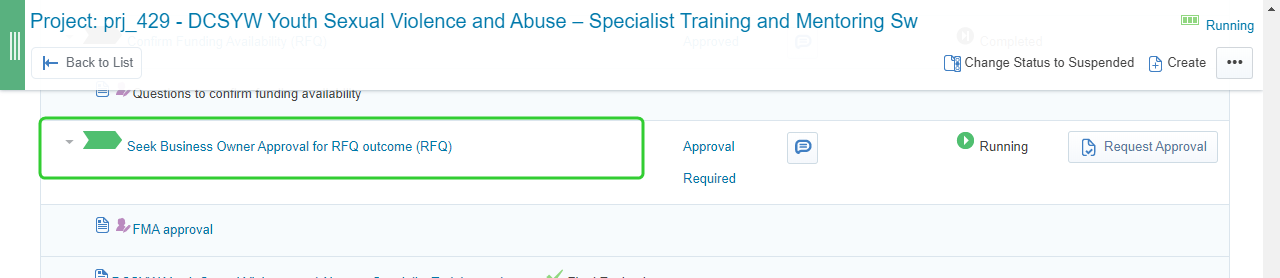
-
Review the requirements listed under Task Instructions.
-
Click FMA Approval under Auto Create Template links.
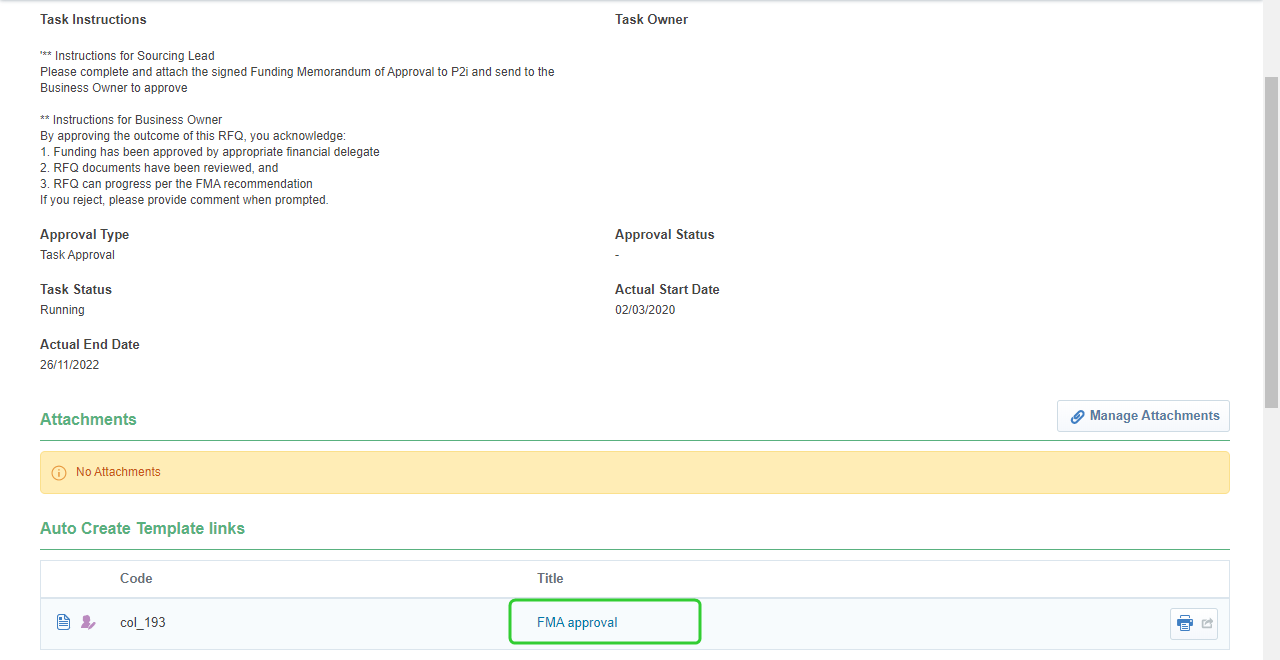
-
Enter a Title for the FMA approval and click Create.

-
Click Edit Response.
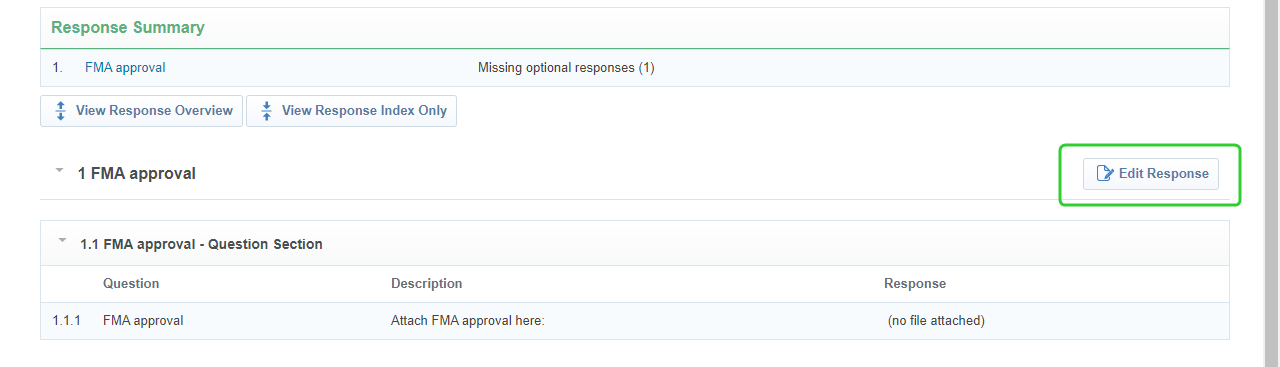
-
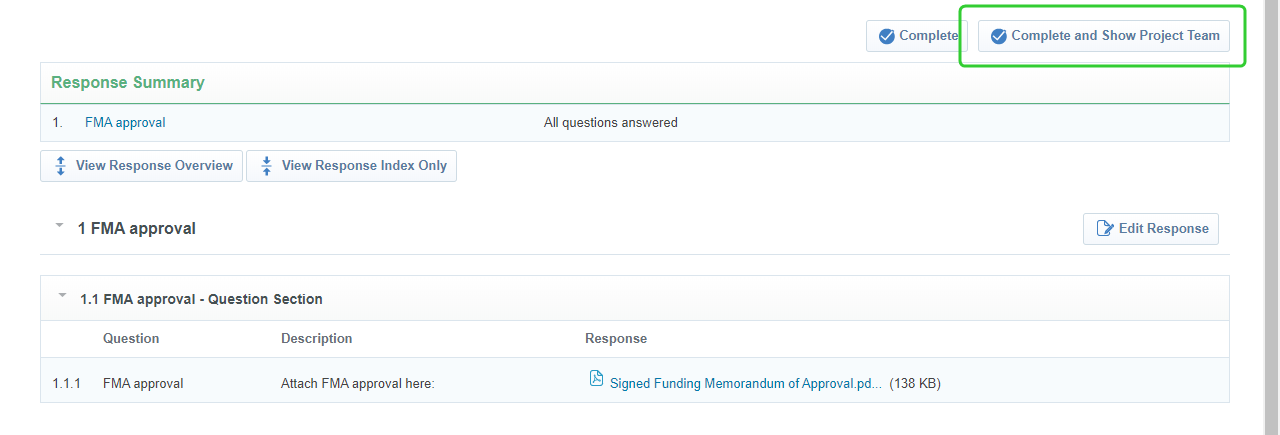
Attach the approved FMA and click Save and Return.
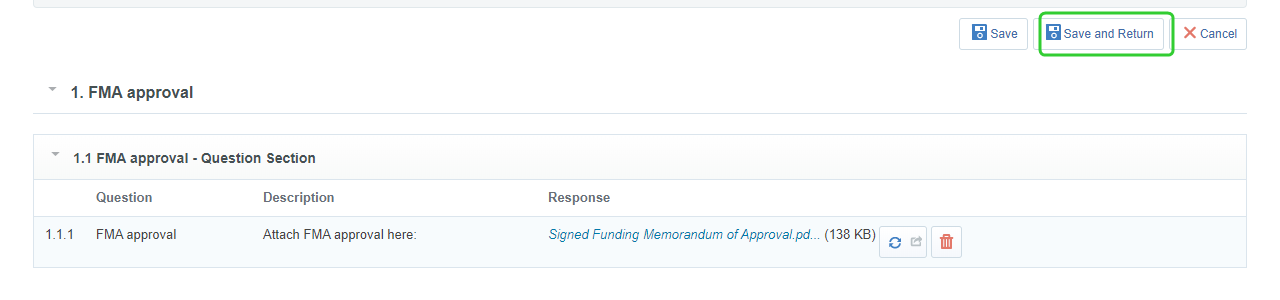
-
Click Complete and Show Project Team.
-
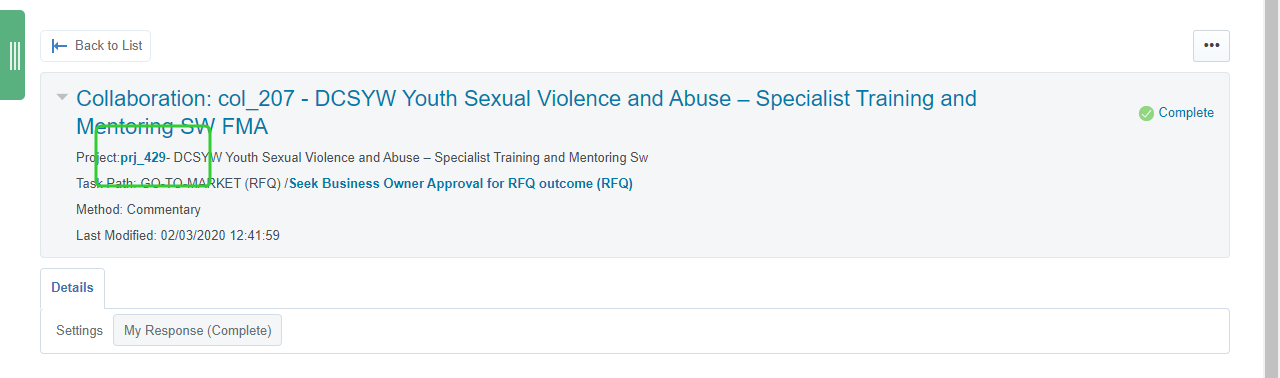
Click the Project link to return to the workflow screen.
-
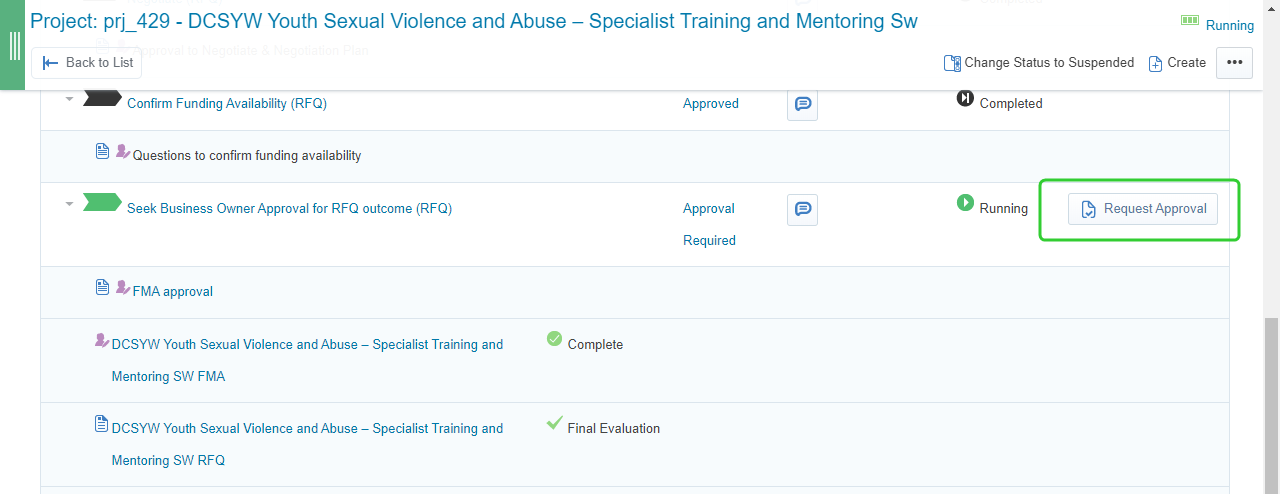
Click Request Approval for the Seek Business Owner Approval for RFQ Outcome (RFQ)
-
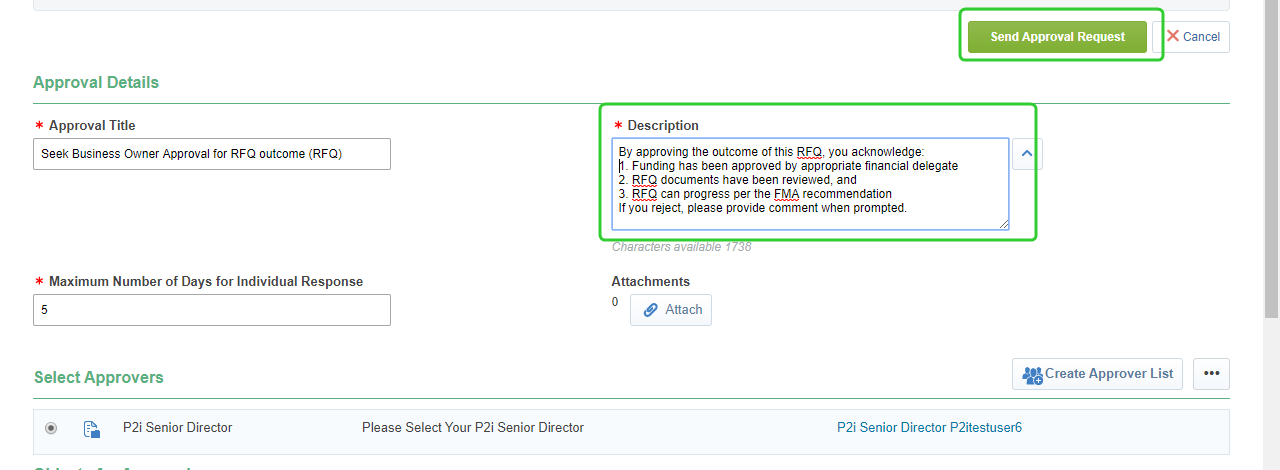
Enter instructions for the Business Owner into the Description field.
-
Click Send Approval Request
-
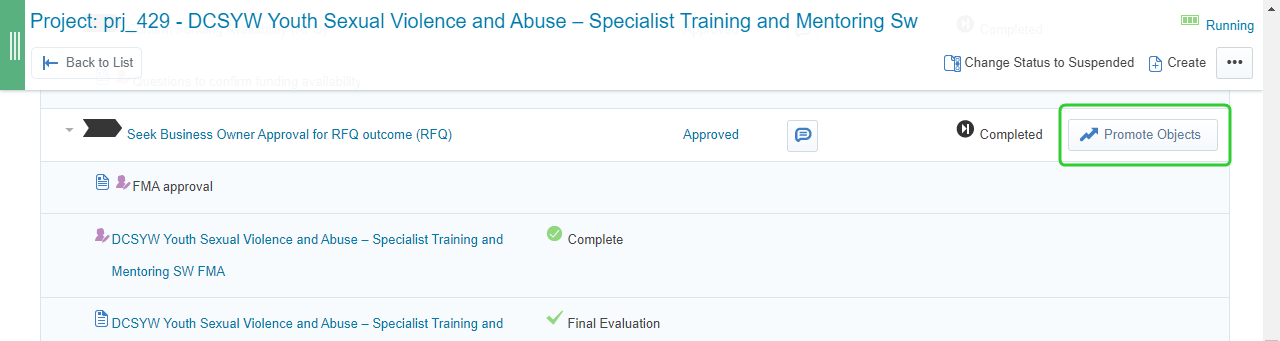
Once the request has been approved click Promote Objects.
-
Promote all objects to Create, Set-up And Approve Contract.
Note By approving the outcome of this RFQ, you acknowledge:
1. Funding has been approved by appropriate financial delegate
2. RFQ documents have been reviewed, and
3. RFQ can progress per the FMA recommendation
If you reject, please provide comment when prompted.
Note You now have Business Owner (P2i Senior Director) approval to complete the contract set up process all the way to activation. Once that has occured award the RFQ to one or more suppliers and complete the Award Supplier(s) (RFQ) task. Refer to the Awarding supplier(s) and Contract topics.